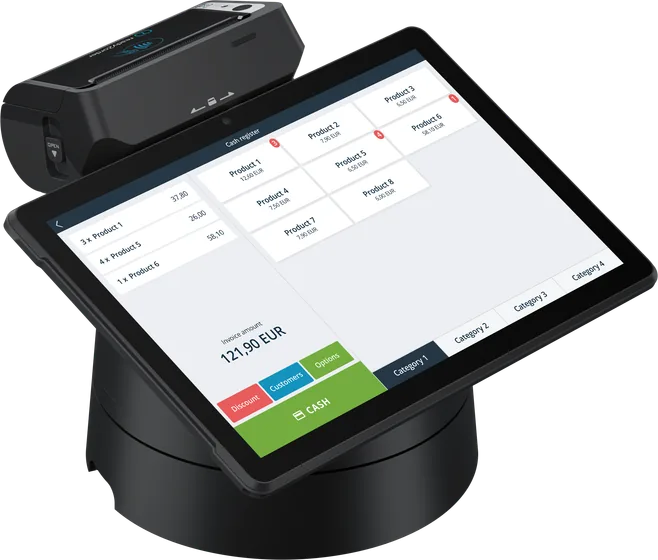
readyTab
Tablet POS with a built-in 80 mm receipt printer and card reader. Mobile or in the rotating stand at the counter.
For small businesses with little space, takeaway and food trucks

eatbase brings every accepted online order into your ready2order POS as a finished receipt. With separate payment methods, correctly split VAT and automatic cancellation.
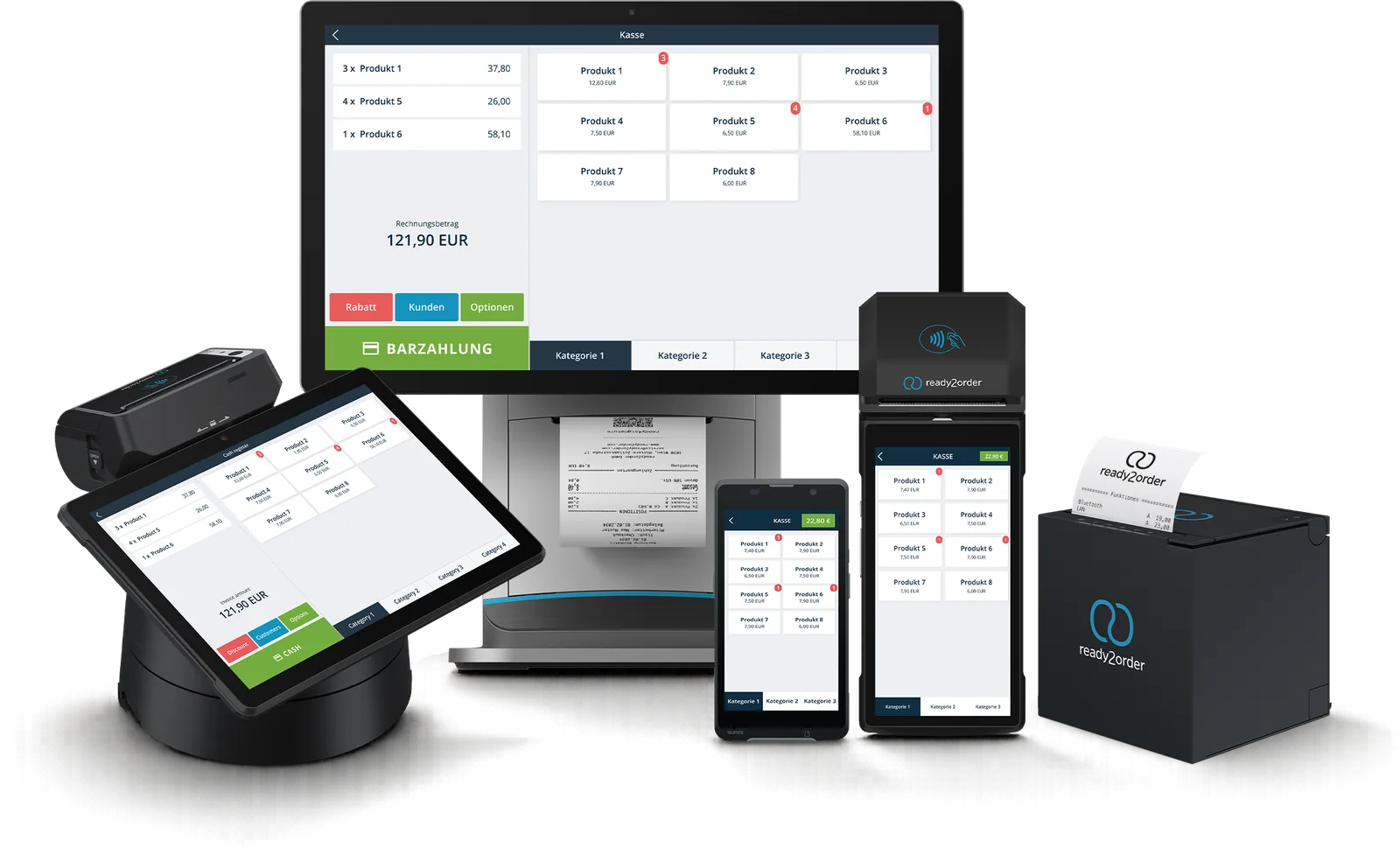
ready2order is a POS system from Vienna for restaurants, retail and service providers. The POS runs on tablet, smartphone and computer, manages items, tables and staff, and provides reports and the daily closing for day-to-day operations.
eatbase is your own ordering and reservation system with no commission on orders from the Start plan. Together, the two cover the whole process: guests order online from you, the kitchen works on the eatbase kitchen display, and billing happens in the POS you already use.
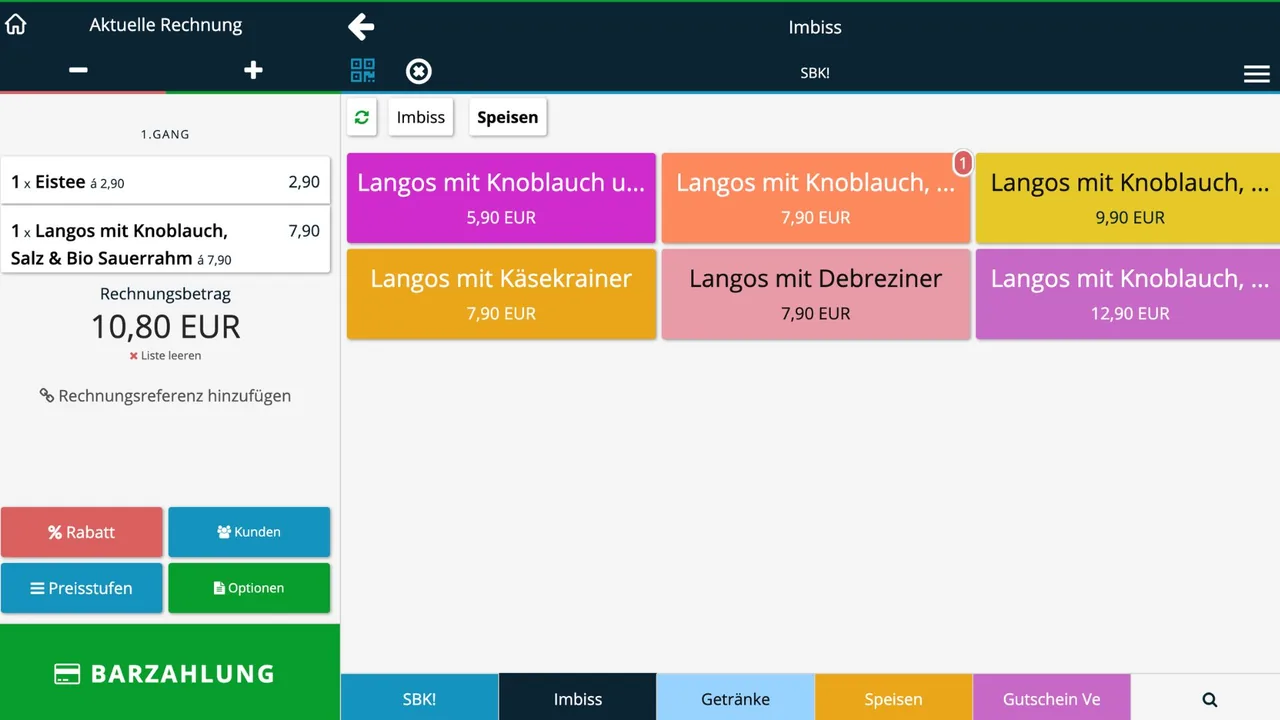
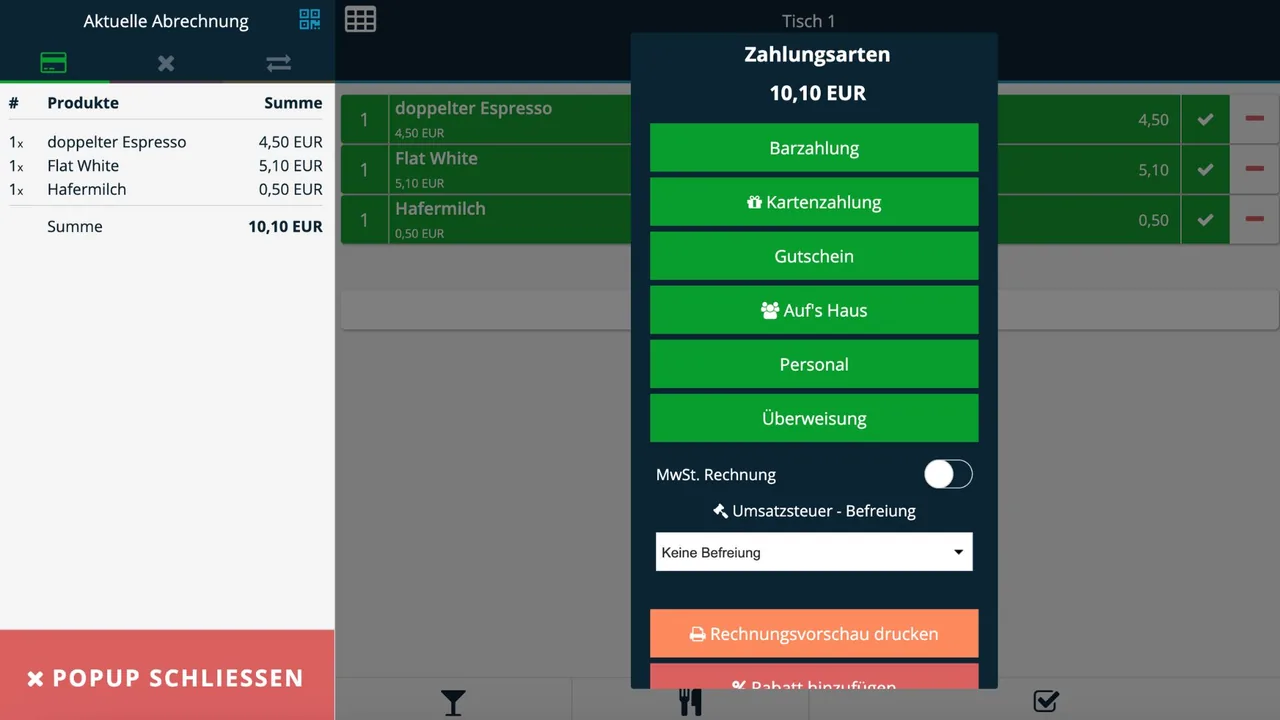
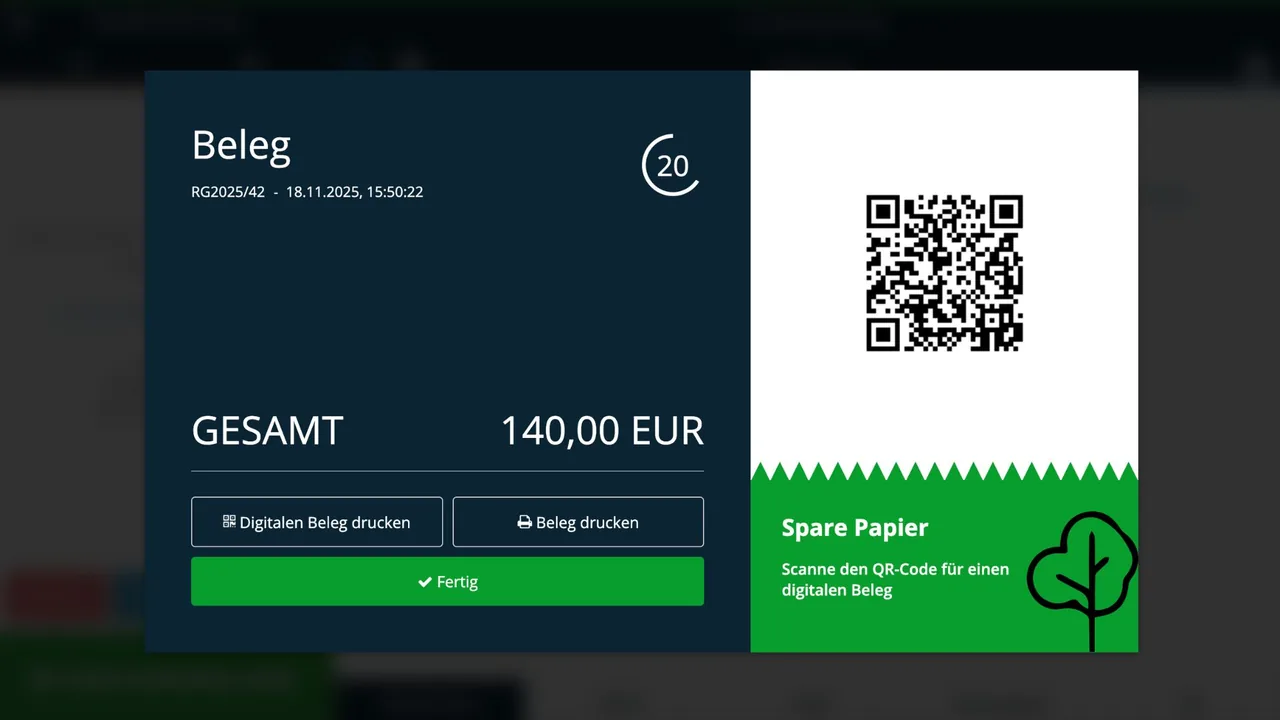
Item buttons by product group, with the open bill always in view.
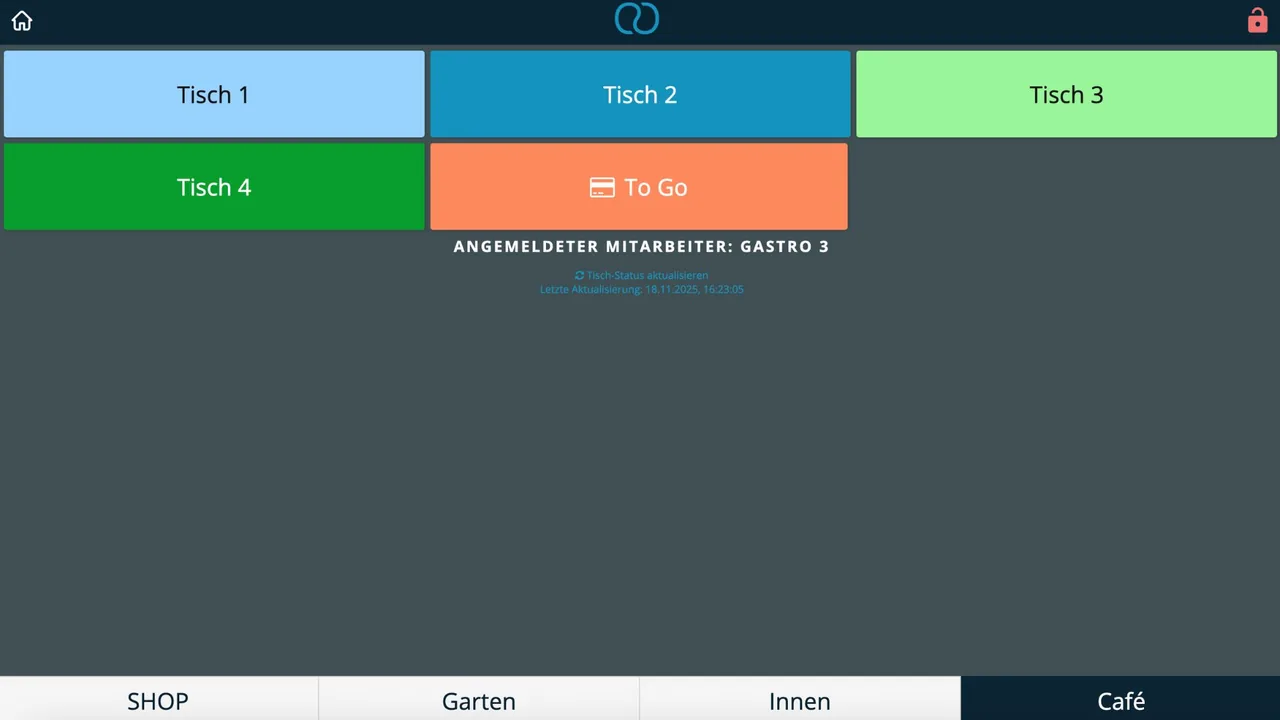
Tables by area, such as garden or indoors, plus To Go.
Cash, card, voucher, staff or on the house: settled in a few taps.
The receipt as a QR code for the guest's phone, which saves paper.
ready2order offers its own devices. The POS app also runs on iPad, iPhone, Android, Windows and Mac. For the eatbase integration it makes no difference what you use to take payments.
Tablet POS with a built-in 80 mm receipt printer and card reader. Mobile or in the rotating stand at the counter.
For small businesses with little space, takeaway and food trucks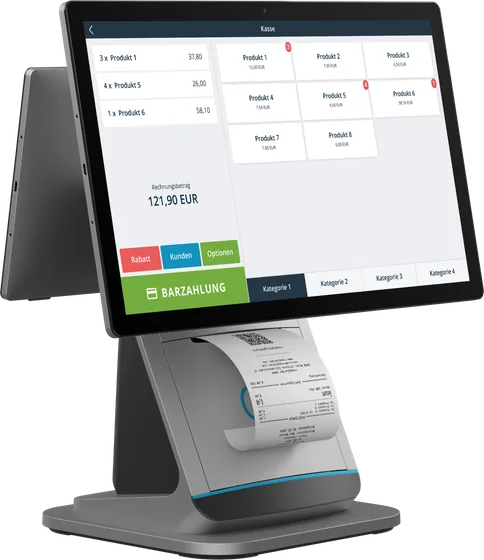
Stationary POS with a built-in receipt printer. Optionally with a second display for the guest.
For everyone who takes payments at the counter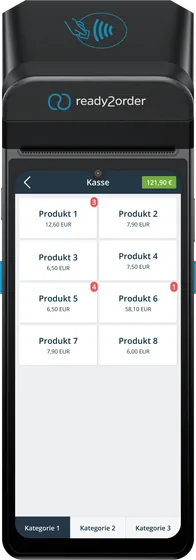
Mobile POS with a 58 mm printer and NFC card reader in one device.
Take orders at the table, send them to kitchen and bar and settle right there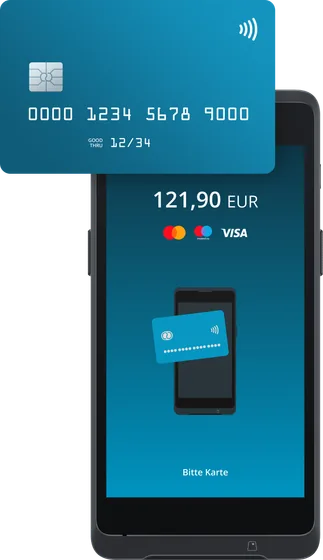
Card terminal in smartphone size, contactless or with chip and PIN. Also works as the smallest POS.
With a digital receipt instead of paperDevices, prices and delivery are available directly from ready2order. Information according to ready2order, as of November 2026.
You work at the kitchen display as usual. eatbase takes care of the way into the POS.
Via your eatbase ordering page, for delivery or pickup. Payment is online or in cash on handover.
One tap on the kitchen display. At that moment, eatbase sends the order to ready2order.
With all items, the correct tax rate and the matching payment method. In the evening, the daily closing adds up without rework.
Online orders no longer end up on a slip of paper next to the POS, but go straight in as a receipt.
Food and drinks with their own rate. For mixed baskets, delivery fee and discounts are distributed proportionally.
Separate payment methods for paid online and cash on handover. Tips are booked as tips, not as revenue.
If you decline or cancel an order, eatbase creates the cancellation receipt in the POS.
eatbase matches your dishes to the items in ready2order. That way online revenue shows up in your own product groups.
From the POS via its printer or still via eatbase. You decide per restaurant.
If the POS is briefly unreachable, eatbase books the receipt later. If a receipt fails, you get an email with the reason.
You check the connection with the test booking. The trial receipt runs in training mode and does not count toward revenue.
If you like, eatbase takes over items, prices and variants from ready2order and creates new items as dishes right away.
If you mark an item as sold out in ready2order or its stock runs empty, it can no longer be ordered online either.
Every accepted order is booked as a receipt in your POS, with separate payment methods for online and cash, correctly split VAT and cancellations. Your end-of-day report still balances.
The connection runs through ready2order's official interface. eatbase never gets to see your password.
In the eatbase admin, under POS system, tap "Connect with ready2order", log in to ready2order and confirm access.
eatbase creates payment methods, a product group with substitute items and a cancellation reason, and suggests how to match your items by name.
Test once, then all accepted orders flow into the POS. We are happy to set this up together with you.
Explained step by step in the eatbase manual.
The POS integration is an add-on for €29.90 per month (net) and can be added to any eatbase plan, including Free. Setup is free. Your ready2order subscription continues as before, directly with ready2order.
No. You need a ready2order account with owner access. A hospitality package is not required for the integration.
Yes. If you choose to maintain the menu in the POS, eatbase creates new items from ready2order as dishes, takes over names and prices and hides dishes that no longer exist in the POS. Variants become extras. Photos and descriptions come along if you have added them in ready2order, allergens you add in eatbase. Sold-out status and prices can also be taken over from the POS on their own.
They are booked through substitute items with the matching tax rate, for example for a daily special. The tax rate is correct, and in the reporting they appear under the eatbase product group. On request, eatbase creates missing items directly in ready2order, or you have such bookings held until you have matched them.
The default is when the order is accepted. If you would rather book at completion, you change that in the settings of the POS integration.
You disconnect with one click in eatbase or revoke access in ready2order. Receipts already in the POS stay there.
eatbase also works without a POS. If you’re looking for a POS anyway, you can find ready2order at ready2order.com. You can add the integration later at any time. If you use a different POS, check the list of all POS systems that eatbase connects via Mergeport.
Then all you are missing is your own ordering system. Start for free or get advice.
No POS yet? Go to ready2order.com · Different POS? All POS systems
We use cookies to analyse how this website is used and to improve what we offer.
You can withdraw your consent at any time via “Cookie settings” in the footer. Privacy policyCookie policy