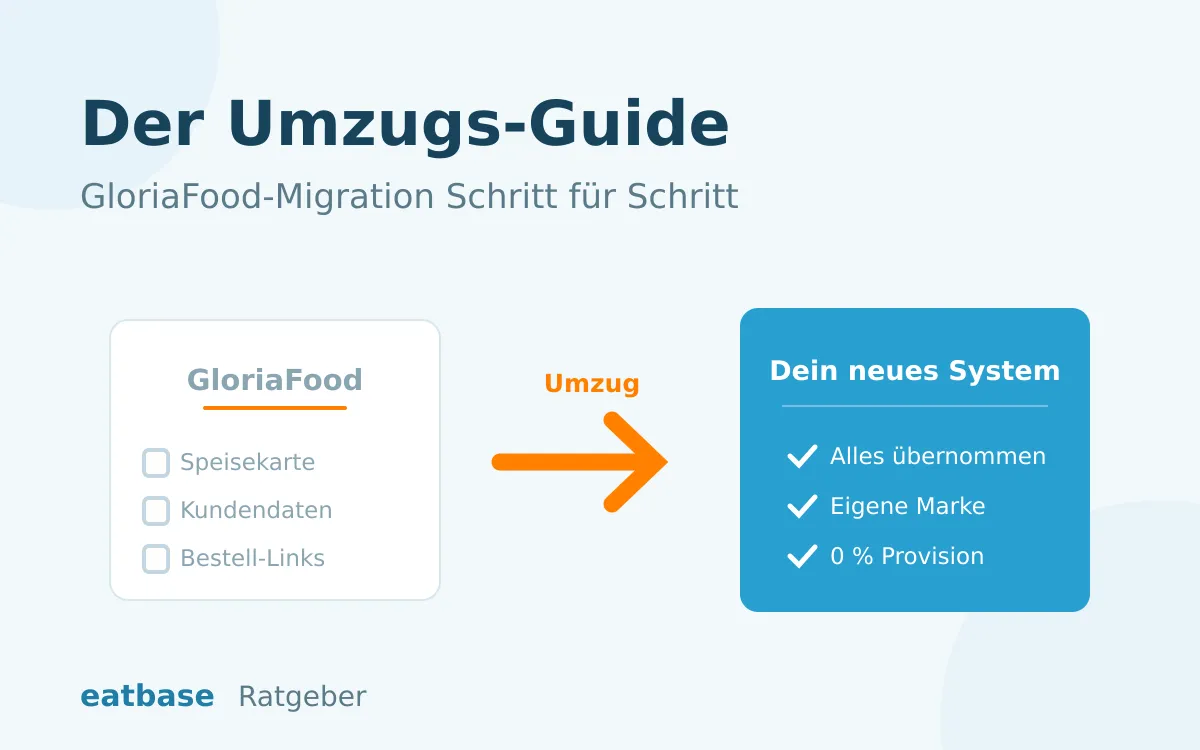
Updated: October 2026. According to the provider, GloriaFood will shut down on 30 April 2027 (source: gloriafood.com). So every user has to move to a new ordering system, the only question is when. For years we set up, managed and supported GloriaFood for many restaurants, and we now help with moves to new systems all the time. Here is the complete guide: what you need to back up, in which order to switch and where the typical mistakes happen.
Switch offer for GloriaFood restaurants: We take over your menu directly from GloriaFood and set up eatbase for you. If you sign up by 31 December 2026, setup is free and you pay no base fee until 30 April 2027. You can sign up directly online. Switch for free now
On timing: allow one to two weeks for setup (much less with help from the provider) plus two to four weeks of running both systems side by side. Your own time: a few hours, spread over that period.
Phase 1: Back up your data. Today. Even if you are not switching yet.
So far, no data retention has been announced for the time after the shutdown. Anything you don’t export will most likely be gone on the deadline. So back up now:
- Menu. All dishes with prices, descriptions, categories, sizes and extras. Also take screenshots of every category in the admin area, as a reference for later. Menu from photo can read dishes and prices back from the screenshots or from a PDF menu. If you switch to eatbase, you don’t need an export for the menu: we take it over directly from your GloriaFood ordering page.
- Images. Save dish photos locally in the best available resolution.
- Customer data. Names, email addresses and phone numbers of the people who order from you. This is your most valuable asset for the fresh start, so check that the export is complete.
- Order history and sales reports. At least the last 24 months, also for the tax office (Finanzamt).
- Document your settings. Delivery areas with minimum order values, opening hours, current voucher promotions. Screenshots are perfectly fine.
A tip from many moves we have supported: put everything in a folder called “GloriaFood backup” with the date. That one hour of work takes the time pressure off the whole thing, and you can decide calmly where to switch to.
Phase 2: Build the new system alongside
The most important principle of the whole move: build the new system completely while GloriaFood keeps running as normal. Don’t switch anything off or redirect anything until the new system has proven that it works.
- Choose a system. You will find the criteria and an overview of providers in our comparison of GloriaFood alternatives.
- Transfer the menu. This is the biggest job if you do it yourself. With eatbase you don’t: we take over your menu directly from your GloriaFood ordering page, with dishes, prices, sizes and extras, and you check the result. If you prefer to do it yourself, you can bring it over in the admin under “Import menu”, also from a photo or PDF of the menu. With the managed setup (normally 250 € one-off) we set up your complete account right away, including delivery areas, opening hours and printers. With our switch offer for GloriaFood restaurants, setup is free if you sign up by 31 December 2026.
- Set up and test payment. Activate online payment and test it with a real test order including a refund.
- Connect the kitchen. Set up the kitchen display or receipt printer and run a test order all the way through: order, accept, print the receipt, mark as ready. Only move on once this chain works.
- Train your team. Put the new tablet next to the old one for one shift. Getting used to it is easier than you think, but it should not happen on the first live day.
We handle your move
We bring your menu straight over from GloriaFood and set everything up: delivery areas, opening hours, payment, printers. GloriaFood keeps running as normal in the meantime.
Phase 3: Switch over, in the right order
This is where most orders get lost if you do it wrong. The rule: only change the links once the new system is live and taking orders. One at a time.
Your link checklist. Go through all of it, forgotten links are the most common mistake in a migration:
- Google Business Profile. Replace the order link and, if you have one, the reservation link. For most restaurants, this is where most clicks come from.
- Your website. Replace the “Order now” button or the embedded GloriaFood widget.
- Instagram bio and Facebook page, including the call-to-action button.
- QR codes. Flyers, table stands, menus. Short URLs you manage yourself can be redirected, but GloriaFood links printed directly need a reprint.
- Listings on review and directory sites.
- Email signatures and automatic replies, including your WhatsApp Business greeting.
And then your regulars: send a short email to the exported customer list. No marketing talk, two sentences are enough. “We have a new ordering system, from now on you order here. As a thank-you, there is 10 % off everything this week.” A small moving discount helps people get used to it much faster.
Phase 4: Run both systems and finish cleanly
Keep GloriaFood running for another two to four weeks. There is a practical reason for this: every order that still comes in there shows you a link you missed.
- Where possible, add a notice in GloriaFood pointing to the new ordering page.
- Watch your order volume. After two to three weeks, the new system should have reached the old level. If not, a link is almost always missing, usually the one in the Google profile.
- Finally: close your GloriaFood account, get written confirmation and archive it together with your backup.
What you can’t take with you
Three things just won’t move with you, however hard you try. Let’s be honest about that:
The Google ranking of the old ordering page. Your GloriaFood page ran on their domain, so the visibility never belonged to you. The good news: with an ordering page under your own domain, such as bestellen.dein-restaurant.de, you build this ranking yourself for the first time. And you keep it. That is exactly why switching early pays off, because Google needs a few months of lead time.
Reviews on the platform. They cannot be transferred. Your Google reviews are not affected, and they count for more anyway.
Saved customer accounts with passwords. The first time, your guests order as guests or create a new account. Your email to the customer list takes care of that.
Secure your switch before the big wave
The closer the shutdown date gets, the fuller every provider’s migration calendar becomes. If you start now, you can move calmly. With us, you only pay from your go-live.
Frequently asked questions about the migration
What does the complete move cost? With eatbase: setup by us (managed setup) normally costs 250 € one-off, then 69 to 99 € per month on the Start plan with 0 % commission, cancel monthly. On the Free plan you pay no base fee, only 3 % per order. With our switch offer, setup is free if you sign up by 31 December 2026, and you pay no base fee until 30 April 2027. All details on the pricing page.
Can I import my menu automatically? Yes. eatbase takes over the menu directly from your GloriaFood ordering page: dishes, prices, sizes and extras, exactly as they are in GloriaFood. You see everything first and choose what to take over. eatbase can also read a menu from a photo or PDF, in which case please check every price. With the managed setup, we do this for you.
How long does the switch take? Setup with support: a few days. Then two to four weeks of running both systems. Your own effort: a few hours, mainly for the links and approving the menu.
Will I lose orders during the switch? Not if you stick to the order. Test the new system live first, then change the links and keep GloriaFood running as a safety net. There is never a moment when your guests can’t order anywhere.
But GloriaFood runs until 2027. Can’t I just wait? You can. But then you migrate at the same time as a great many other restaurants, with providers that are fully booked. We have written in detail about why earlier is better. Either way, you should do the data backup from phase 1 right away.
Our conclusion
The GloriaFood migration is not rocket science if you get the order right: back up, build alongside, change the links, phase out. The best time is now, while you can switch without pressure.
The next step: see how switching from GloriaFood to eatbase works. We bring your menu straight over from GloriaFood. Or give us a call and we will go through your move together. We have supported many of them and know the pitfalls.